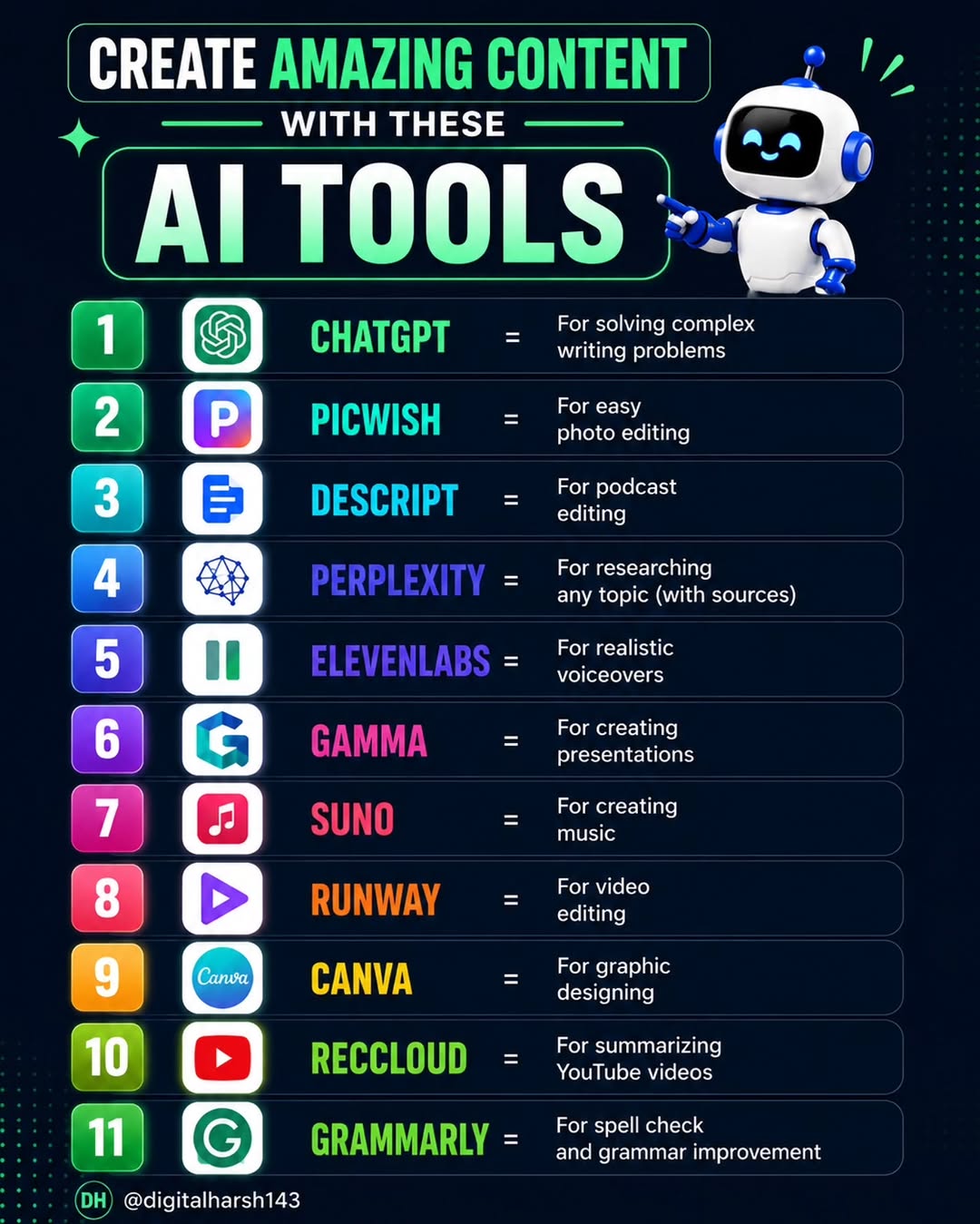
🎬 Tap to Watch Reel Viral Trend! The viral Instagram Reel trend is here, and it’s made using Edit App. Here’s how to create your own “Tap to Watch” Reel: 1️⃣ Open the Instagram Edit App 2️⃣ Choose the Tap to Watch Reel template 3️⃣ Use Add Links → select Reels you want to feature 4️⃣ Arrange the Reel thumbnails in a sleek grid layout 5️⃣ Add trending audio, export, and post! 🔥 Share this with a friend who loves creating viral content! Follow us for more tips @digitalharsh143 . . #trendingvideo #instagramtips #newtrend #ViralReels #contentcreator
 70
70  84
84 This post was published on 21st March, 2026 by Harsh on his Instagram handle "@digitalharsh143 (Harsh📲 | Digital Marketing)". Harsh has total 4.3K followers on Instagram and has a total of 318 post.This post has received 70 Likes which are lower than the average likes that Harsh gets. Harsh receives an average engagement rate of 6.42% per post on Instagram. This post has received 84 comments which are lower than the average comments that Harsh gets. Overall the engagement rate for this post was lower than the average for the profile. #ViralReels #contentcreator #newtrend #instagramtips #trendingvideo has been used frequently in this Post.
55 48  16-07-2026 77 104 07-07-2026 84 135 22-06-2026 103 124 11-06-2026 79 110 03-06-2026 79 105 23-05-2026 76 108 16-05-2026 76 96 11-05-2026 1.2K 98 09-05-2026 107 140 20-04-2026 123 144 24-03-2026 80 102 12-03-2026 143 128 25-02-2026 102 125 13-02-2026 112 152 24-01-2026 110 146 08-01-2026 91 114 29-12-2025 82 100 24-12-2025 88 121 15-12-2025 93 111 05-12-2025 141 147 15-11-2025 169 140 20-10-2025 101 116 13-10-2025 134 128 20-09-2025 128 167 08-09-2025 155 229 27-08-2025 181 160 15-08-2025 177 237 02-08-2025 176 141 24-07-2025 164 151 11-07-2025 109 127 05-07-2025 93 105 30-06-2025 90 97 26-06-2025 124 175 02-06-2025 127 123 22-05-2025 175 149 05-05-2025 140 123 24-04-2025 129 167 17-03-2025 84 68 14-03-2025 103 82 01-03-2025 152 118 27-01-2025 146 134 13-01-2025 91 60 01-01-2025 172 135 11-12-2024 67 49 06-12-2024 206 41 02-11-2024 86 30 31-10-2024 101 61 28-10-2024 90 63 30-09-2024 92 50 28-08-2024 104 60 29-07-2024 82 22 07-07-2024 126 46 08-06-2024 227 114 05-05-2024 82 44 22-04-2024 101 31 23-02-2024 91 55 01-01-2024 454 210 09-09-2022 772 388 20-07-2020