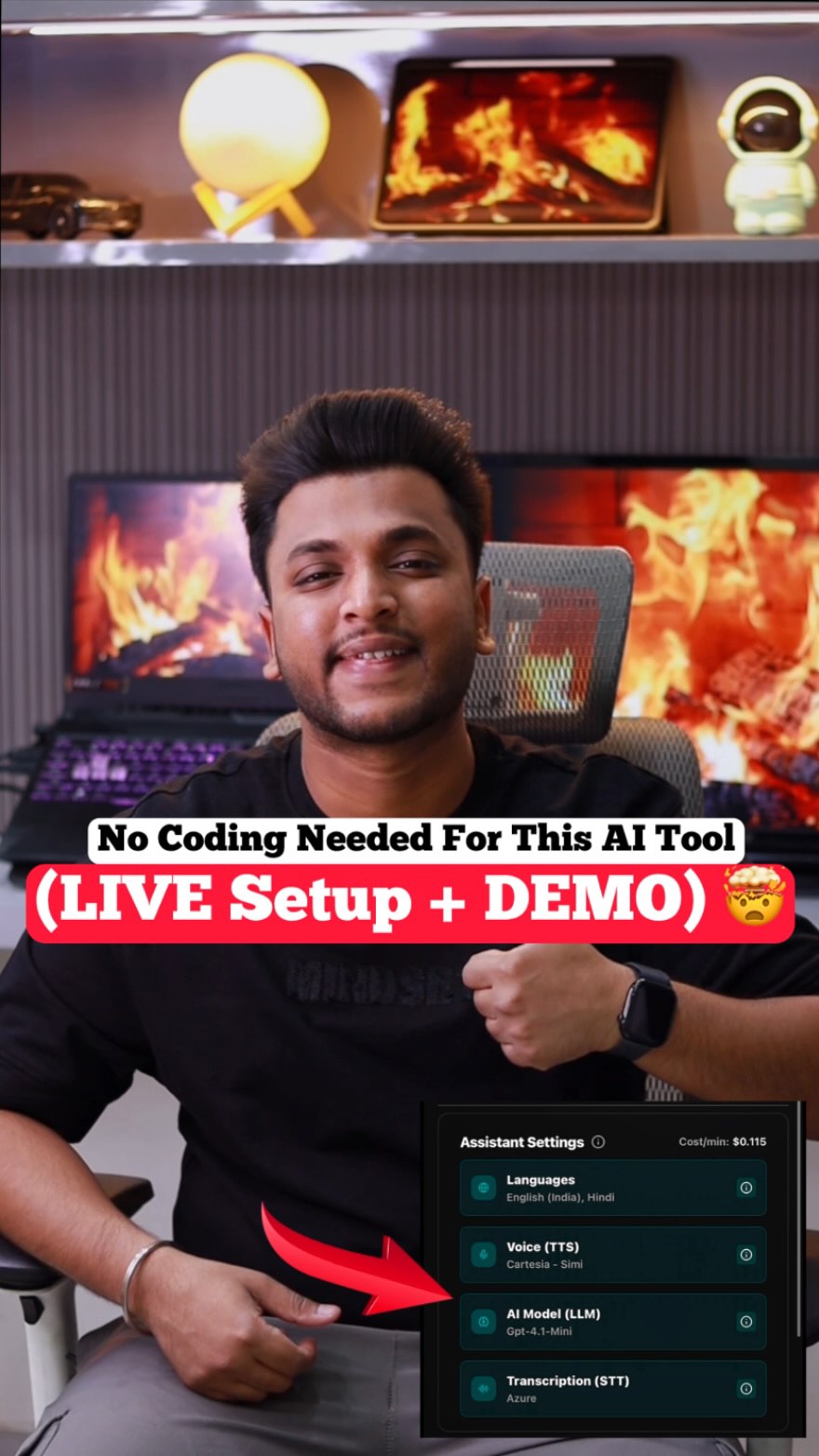
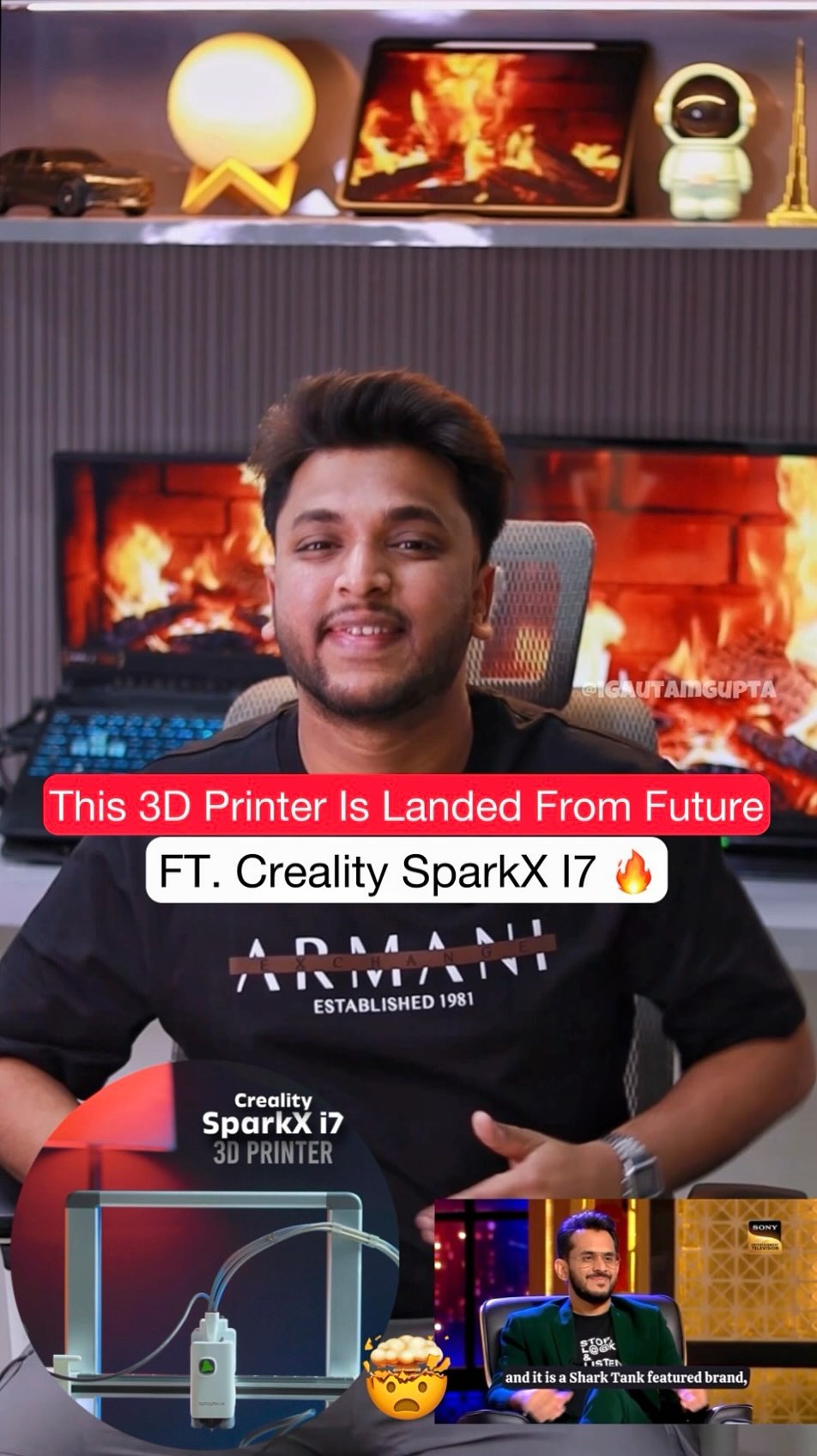
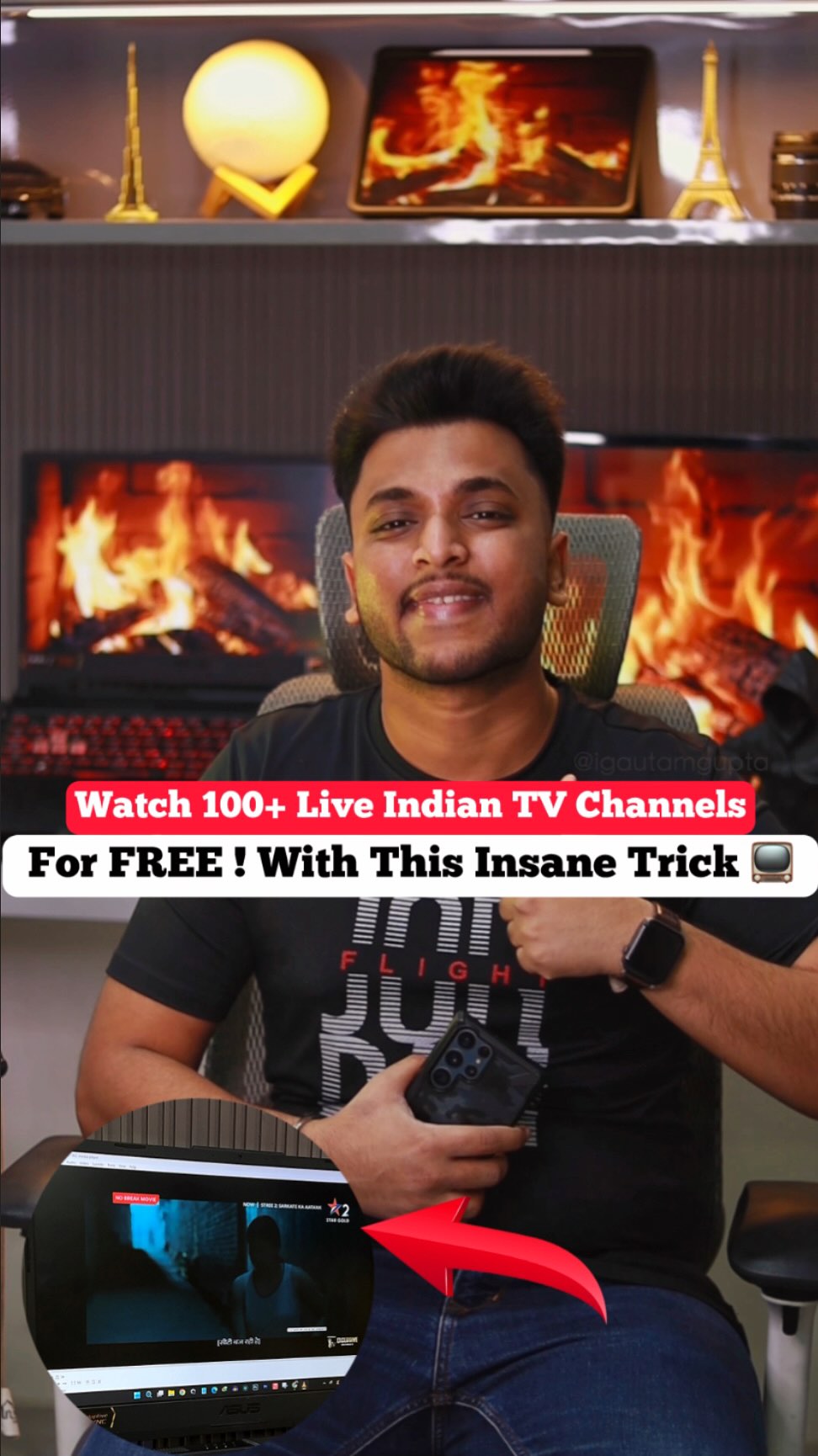
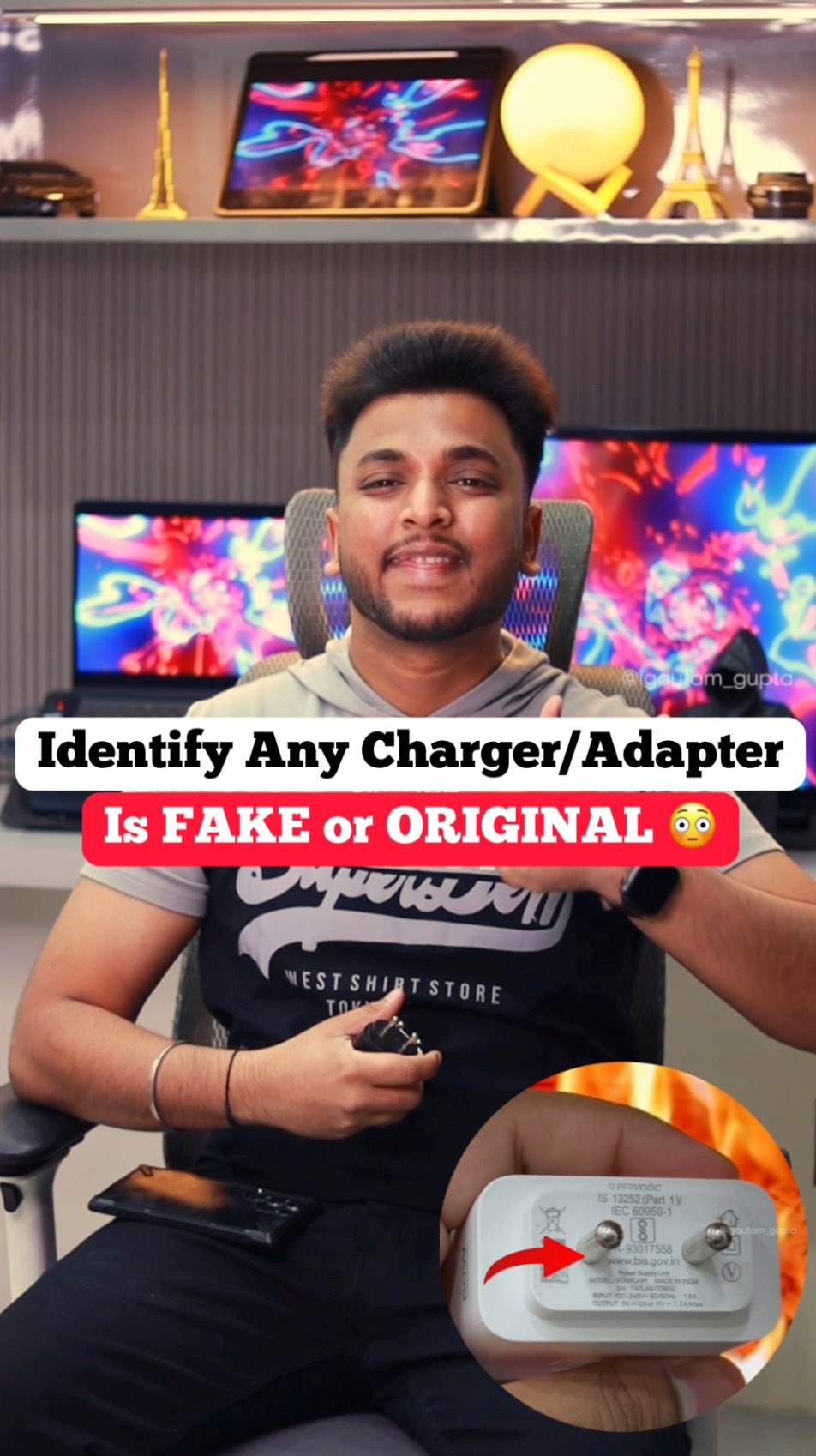
🚨 Your Galaxy S26 Ultra can shoot VLOGS like a PRO?! 😳🔥 Try the Auto Framing feature NOW! 🎥 How to enable: • Open Camera App 📱 • Go to Video Mode 🎬 • Tap the 6 dots on the right side • Scroll & enable Auto Framing ✨ 🔥 Use cases: • Back camera vlogging • Solo content shooting • Walking cinematic shots • Front camera reels & talking videos This feature automatically keeps you in frame like a real cameraman 👀🔥 [Samsung Galaxy S26 Ultra camera feature , Galaxy S26 Ultra auto framing camera , Galaxy S26 Ultra videography , vlog camera feature , Galaxy S26 Ultra camera tricks , cinematic video feature , Auto framing feature] . . . . #galaxys26ultra #autoframing #samsungunpacked #galaxyai #samsung
 7.7K
7.7K  313
313 This post was published on 28th May, 2026 by Gautam on his Instagram handle "@igautam_gupta (Gautam Gupta | Tech Influencer)". Gautam has total 442.6K followers on Instagram and has a total of 464 post.This post has received 7.7K Likes which are lower than the average likes that Gautam gets. Gautam receives an average engagement rate of 2.06% per post on Instagram. This post has received 313 comments which are lower than the average comments that Gautam gets. Overall the engagement rate for this post was lower than the average for the profile. #galaxys26ultra #autoframing #samsung #samsungunpacked #galaxyai has been used frequently in this Post.
7.3K 57  22-06-2026 23.3K 411 19-06-2026 11.5K 528 17-06-2026 7.3K 252 13-06-2026 9.4K 324 04-06-2026 8.9K 744 25-05-2026 8.2K 264 18-05-2026 11.1K 586 14-05-2026 5.2K 315 08-05-2026 7.5K 327 05-05-2026 7.7K 652 28-04-2026 10.9K 853 25-04-2026 11.0K 332 20-04-2026 9.9K 323 17-04-2026 8.0K 320 08-04-2026 10.7K 602 31-03-2026 8.9K 254 24-03-2026 6.0K 308 22-03-2026 8.7K 653 20-03-2026 9.9K 314 17-03-2026 5.9K 308 12-03-2026 5.5K 294 10-03-2026 10.9K 752 07-03-2026 5.5K 323 05-03-2026 5.3K 333 03-03-2026 6.2K 323 27-02-2026 9.4K 671 24-02-2026 8.8K 443 20-02-2026 14.3K 682 19-02-2026 6.7K 389 17-02-2026 9.9K 403 06-02-2026 14.4K 686 04-02-2026 17.9K 589 31-01-2026 9.6K 536 24-01-2026 6.3K 335 20-01-2026 15.7K 500 17-01-2026 6.5K 365 15-01-2026 16.4K 781 13-01-2026 5.8K 396 09-01-2026 17.7K 457 02-01-2026 7.5K 326 30-12-2025 7.2K 364 24-12-2025 11.2K 444 14-12-2025 7.3K 308 02-12-2025 7.9K 319 23-11-2025 9.6K 418 13-11-2025 10.6K 498 20-10-2025 6.2K 446 16-10-2025 6.3K 336 15-10-2025 7.2K 354 12-10-2025 6.5K 336 11-10-2025 11.7K 369 03-10-2025 12.3K 341 30-09-2025 7.2K 341 26-09-2025 7.7K 389 22-09-2025 8.5K 358 19-09-2025 7.7K 341 16-09-2025 10.7K 481 06-09-2025 11.3K 381 28-08-2025