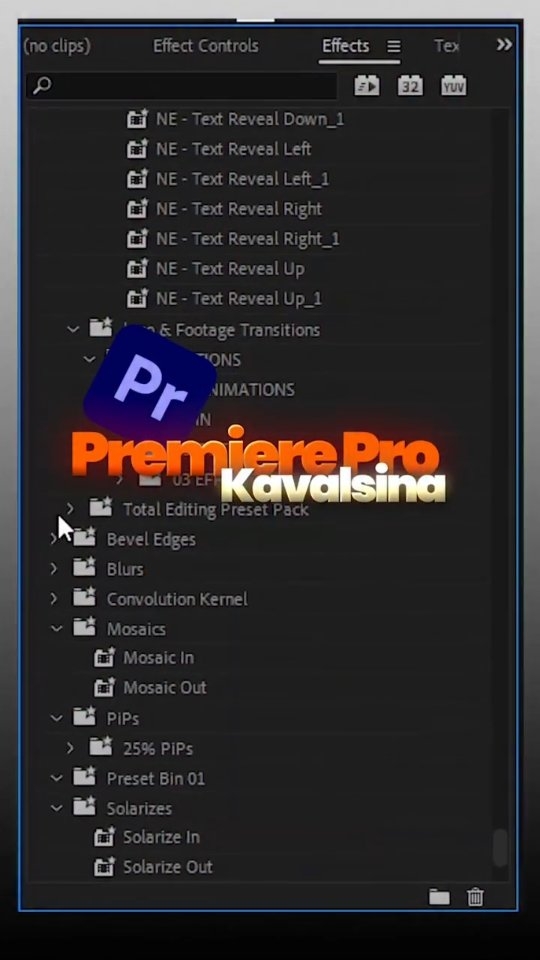
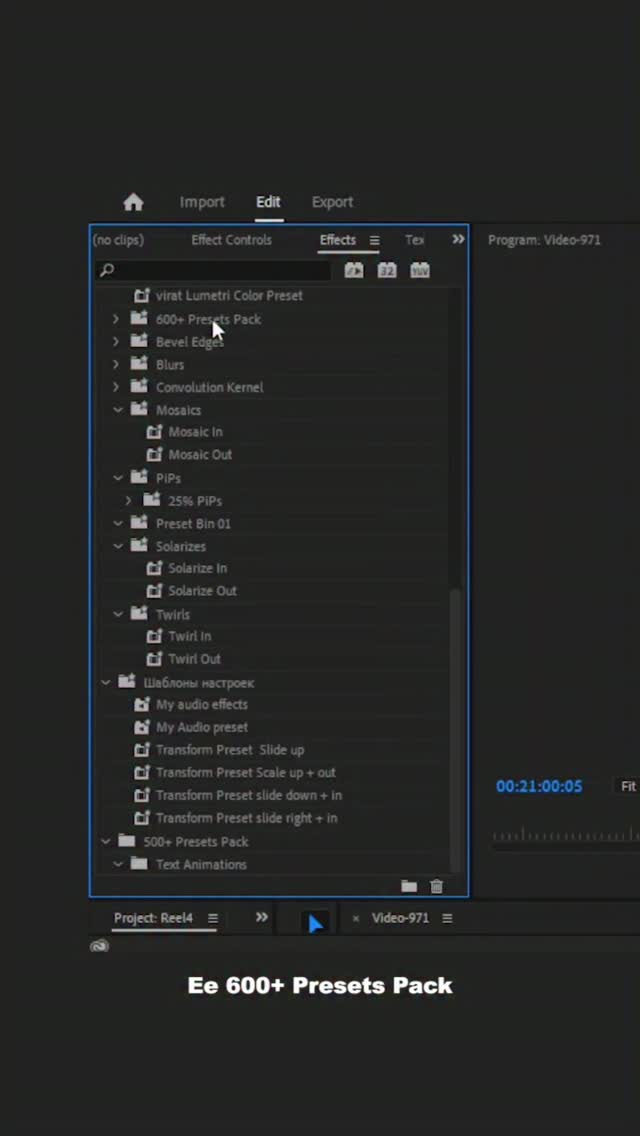
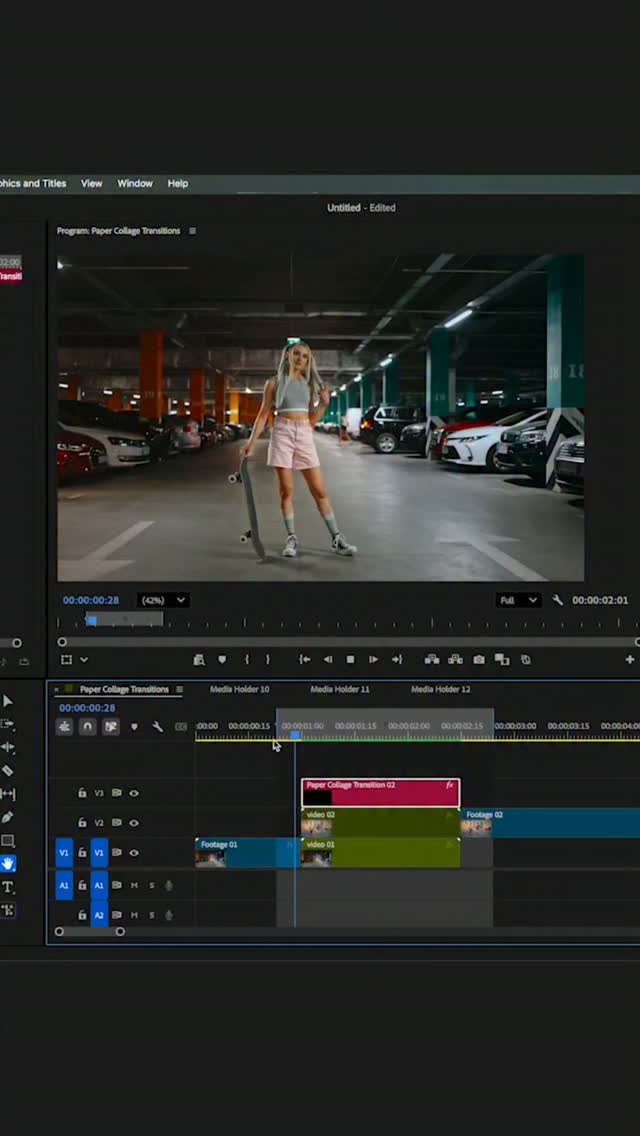
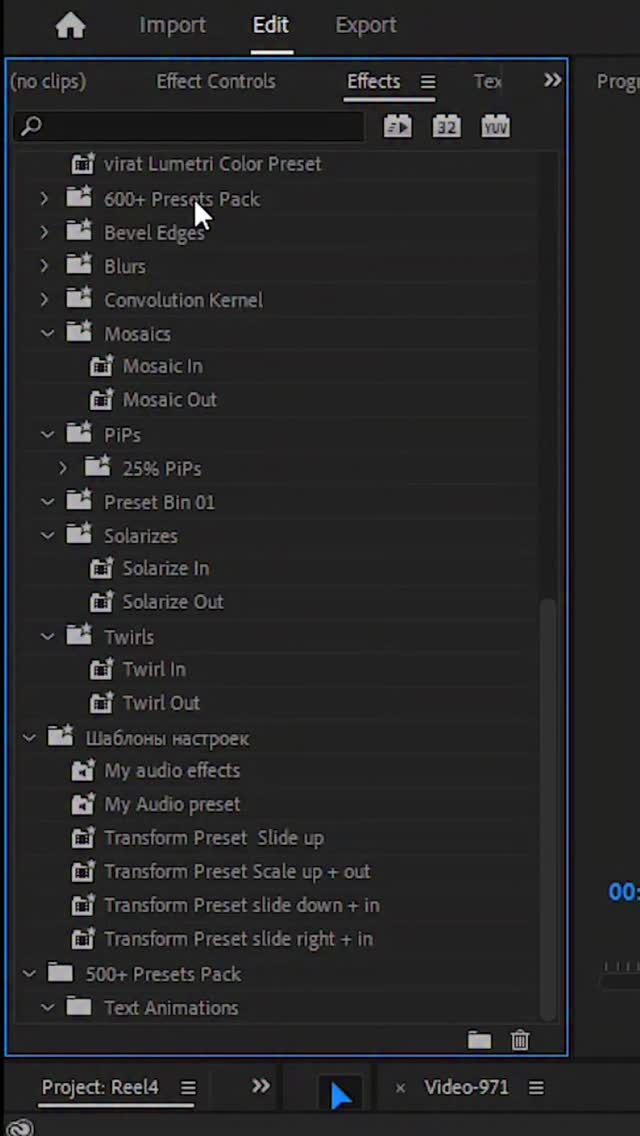
Step by step mogrt.files Import in Premiere Pro 1. Open Premiere Pro software 2. Go to Effects Panel Top menu → Window → Essential graphics (2022, 2023, 2024 & 2025 version) and Graphics templates (2026 version) 3. Essential graphics or Graphics templates will open (usually bottom-Right) 4. click on Browse option 5. And also Click (+) icon 6. Choose your Mogrt files folder & Click select folder 7. Check your Mogrt files on Browse in Essential graphics or Graphics templates 8. And finally Mogrt files are successful imported. . . . #editingtips #videoediting #reeltrending #videoeditor #premierepro
 218
218  51
51 This post was published on 23rd July, 2026 by Venky on his Instagram handle "@venkipreneur (VENKIII T)". Venky has total 47.0K followers on Instagram and has a total of 89 post.This post has received 218 Likes which are lower than the average likes that Venky gets. Venky receives an average engagement rate of 7.25% per post on Instagram. This post has received 51 comments which are lower than the average comments that Venky gets. Overall the engagement rate for this post was lower than the average for the profile. #editingtips #videoediting #premierepro #reeltrending #videoeditor has been used frequently in this Post.
201 736  25-07-2026 543 1.7K 19-07-2026 208 677 11-07-2026 321 1.2K 09-07-2026 580 2.7K 04-07-2026 1.7K 7.2K 27-06-2026 405 1.4K 21-06-2026 742 2.2K 17-06-2026 1.7K 8.7K 14-06-2026 606 620 11-06-2026 228 839 03-06-2026 277 676 26-05-2026 689 1.5K 23-05-2026 395 1.0K 20-05-2026 2.8K 8.6K 13-05-2026 1.4K 4.6K 10-05-2026 834 2.2K 06-05-2026 426 2.0K 30-04-2026 347 1.1K 29-04-2026 264 11 29-04-2026 391 1.6K 23-04-2026 1.4K 4.2K 15-04-2026 179 304 11-04-2026 1.5K 5.0K 09-04-2026 322 927 07-04-2026 3.1K 4.5K 02-04-2026 781 693 28-03-2026 175 36 21-03-2026 1.1K 5.4K 15-03-2026 3.4K 2.9K 13-03-2026 1.1K 1.6K 11-03-2026 91 133 07-03-2026 129 199 20-02-2026 212 335 18-02-2026 230 579 14-02-2026 8.0K 30.0K 12-02-2026 2.4K 7.3K 10-02-2026 249 519 07-02-2026 201 579 30-01-2026 177 315 21-01-2026 11.5K 14.6K 17-01-2026 121 126 12-01-2026 1.3K 1.9K 10-01-2026 31 22 24-12-2025 2.3K 0 14-09-2025 7.6K 22 10-09-2025 71 0 04-09-2025 459 3 16-07-2025 35.6K 50 06-07-2025 84.2K 65 27-06-2025 15.4K 709 26-06-2025 58.9K 64 21-06-2025 41.3K 16 07-06-2025 42.8K 62 31-05-2025 256.6K 304 18-05-2025 107.1K 106 18-04-2025 18.4K 15 29-03-2025 228.8K 181 17-03-2025 47.5K 51 18-02-2025